Sorry this is a few days late, I have been very busy. I wanted to post this triibute to the late Dolly Parton, who died last Tuesday and Tim Curry, who died last Wednesday.


| Radio Presenter 🎧 | Facilities Manager 🧹 | Gay 🏳️🌈 | Autistic 🧩 | ADHD 🧠 | Cat Dad 🐈 | Train Sim Driver 🚇 | Published Children's Author 📖 |

I am loving the new logo I made. Thankyou Chat GBT! It is of me and Rab C Nesbit sat in the studio. The logo was very complicated to do, as I needed to change the background quite a bit, by changing what was on the screens. This was very fiddly to get right and at one point, Chat GBT gave me a complete facelift, which meant that I had to go back and upload another image of me and get Chat GBT to make me look more like me. (However, the facelifted me is better looking!)


I have the logo with the Weird and Wonderful World of Aaron Bennett uploaded here on the website, while there is a version without the banner, which is used on my Facebook Profile.
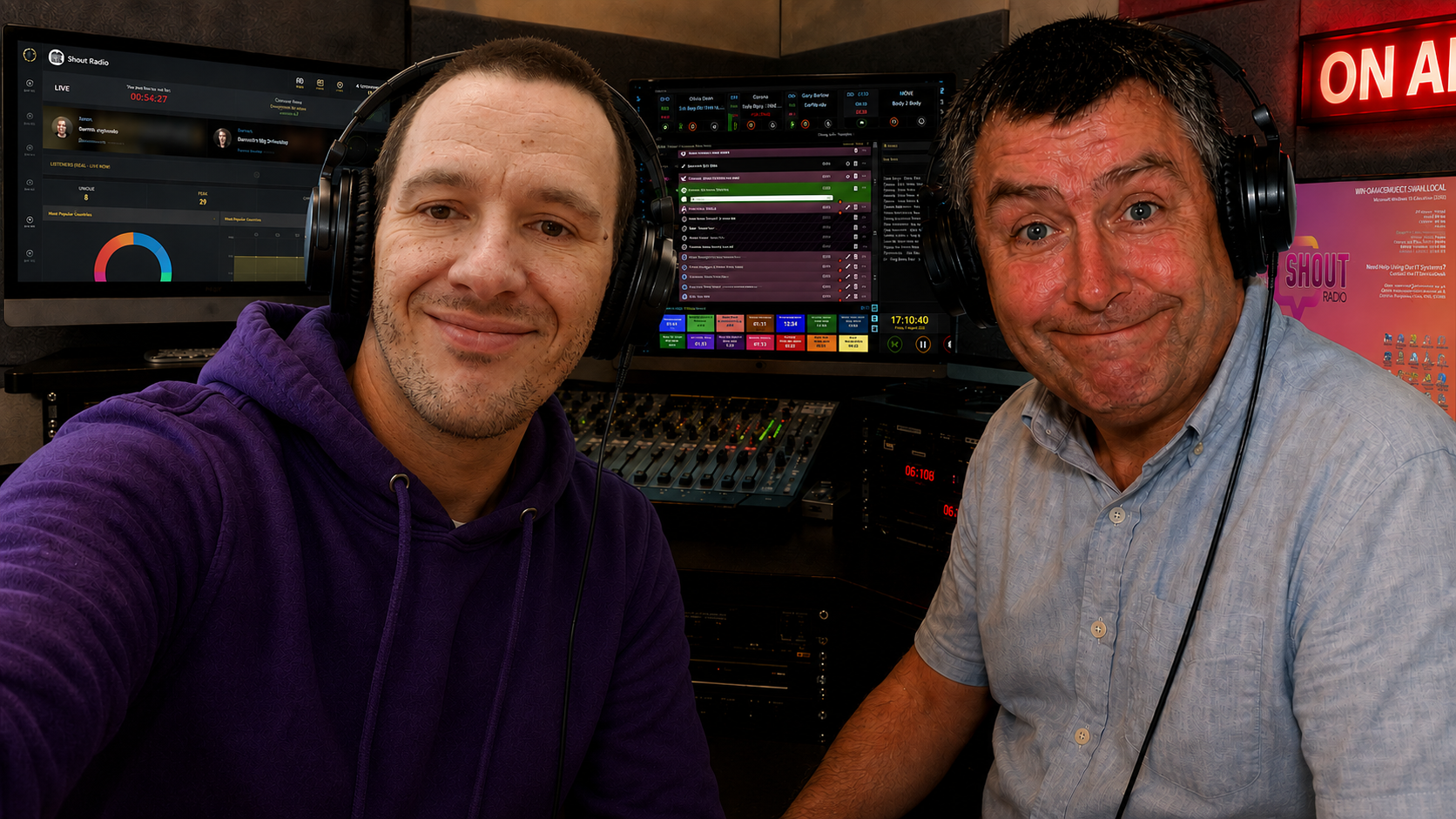
I am quite happy with the final outcome and it was worth fiddling for ages to get this right. If I had the real Rab C in the studio, it would be chaos though! (Even though my shows are total chaos anyway!
I know this happpened a few days back, but I wanted to post my tribute to the late Welsh singer. She will be greatly missed and her music will live on forever.
Of course, she was my Featured Artist on Sunday’s Nice n’ Easy.
R.I.P


Due to the hot weather, I got myself a ceiling fan. My neighbor got me one off Temu, but it was crap and broke when it was being fitted. So I got this beauty off Amazon for £75. I had a Electrician come and fit it for me for £50, which was very reasonable.
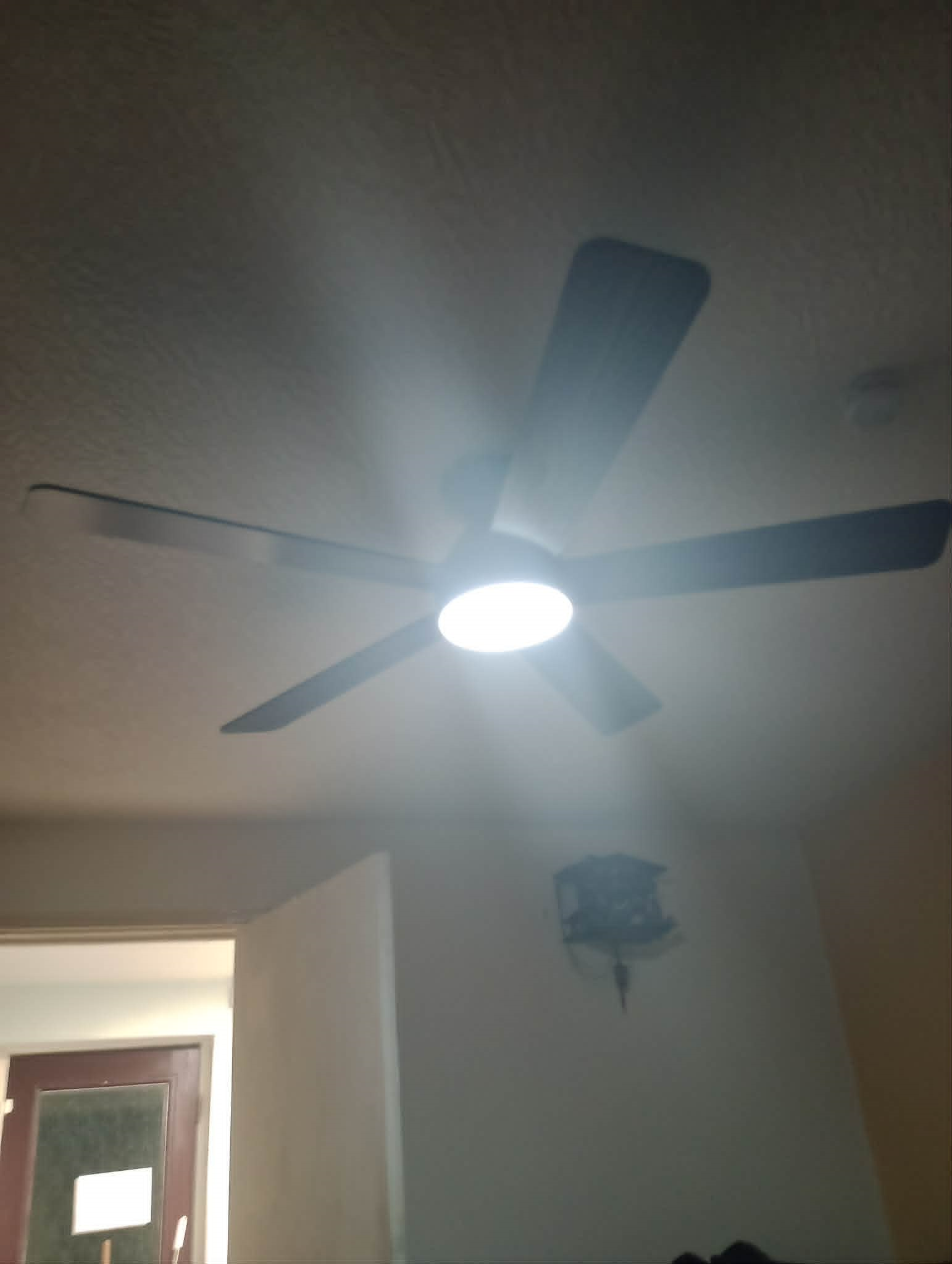
I had to dim the lights to tale the picture, but it looks really nice. It has 6 speeds, can spin in either way, the lighting colours can be altered to be more amber or bright white and as mentioned before, the light can be dimmed.
It took my Electrician James,, a good couple of hours to install, but it is so worth it, as it keeps the room nice and cool. I have it on most days now.
I jot a stack of other jobs for James to do round the house for me in the coming months 🙂
If you need a DIY Job doing in Blackpool, (regardless of how big or small) give James King Construction and Property Maintenance a ring on 07947 735489 and tell him Radio Aaron sent you.
So I went to watch Toy Story 5, at the local I-Max Cinema today. I loved the film, it was just as good as the previous films.

It follows the story of Buzz, Woody and the other toys, who are now living with Bonny. However, Bonny gets a Tablet Computer called Lillypad and stops playing with Bonnie. When Jessie gets separated from the other toys, it is up to Buzz and Woody, (with some help of stranded Buzz Lightyear Dolls) to get Jessie back to Bonnie and to help Bonnie make new friends, that like her for who she is.
My findings:
Animation: 10\10
Music: 10/10
Story: 10/10
Characters: 10/10
So this gets a max rating of 10% from me and is a film the whole family can enjoy. It doesn’t have scary bits and can be enjoyed by kids and adults alike.
Many thanks to the Arc Cinema in Blackpool, for making a great viewing experience. I suggest watching the film in the I-Max Cinema, for the best viewings. (Plus it has reclining seats!)
In this guide, we will look at how to build Custom Windows Images to deploy via PXE using FOG. (Free and Open Source Ghost)
You will need:
Boot up your VM and install Windows using your disk or disk image. This does take some time to complete. Once complete, follow Mini Setup, to get the OS ready. Create a local account, not a online account that uses a Microsoft Account. This is important, as you will need it later. You will need to make sure the CD Drive is set as the 1st boot item in the BIOS btw.
IMPORTANT: Once actually on the desktop, do not join the machine to a Network Domain, if you plan to use a Server Client Network.
Run Windows Update, by pressing the Windows Key and I, then going to Windows Update. Your Reference PC will reboot several times during the update process and you may need to come back to this page to check for updates, until all updates are installed.
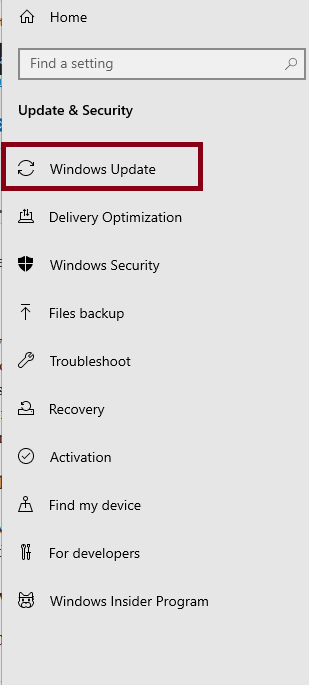
Once all updates are installed, install any software you need to install. (IE: Office etc) Do not install software for one user account, as the Sysprep will fail later on, if you do this.
If you have installed Office, run Windows Update again, so the updates for Office are installed. Skip this, if you didn’t install Office. Reboot as needed.
Important: before running Sysprep, you need to run the following command in elevated command prompt: powercfg /h off. Imaging will fail, if you do not run this command!
You will need to prepare the Operating System for deployment. Before doing this, go into the BIOS and find the Boot Section. Make sure the Network Card is set as the 1st boot item. Save and exit. The machine will try to contact PXE to boot, but you can press ESC to get it to boot to the Hard Drive. Again, press ESC, if the machine tries to boot to CD. (Or eject the disk)
Click on Start > Run. Type:: C:\Windows\System32\Sysprep into run and click OK. In the Sysprep folder, right click Sysprep.exe. Click Run ad Administrator. Click Yes, when the User Control Prompt asks you if you want to run the program.
On the Sysprep Window, make sure Enter System Out Of Box Experience (OBBE) is selected and the Generalize box is ticked. In Shutdown Options, click Quit. Click OK.
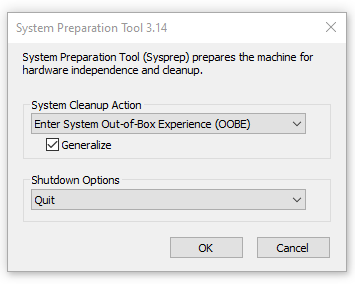
Sysprep will work it’s magic and with a bit of luck, should close the Window. If it throws an error, look at the Logs in C:\Windows\System32\Sysprep\Panther. You need to look at setupact.txt and setuperr.txt and google the error, to diagnose. Once fixed, run Sysprep again.
Shutdown the Reference PC.
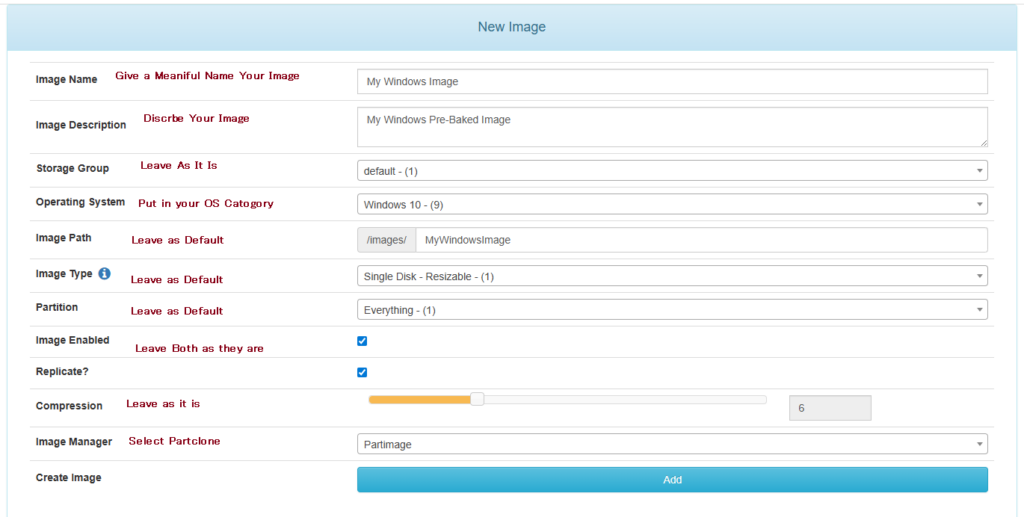
On your FOG Server, go to Images on the top menu and then Create Image on the side menu. Fill in the form as shown and click Add.
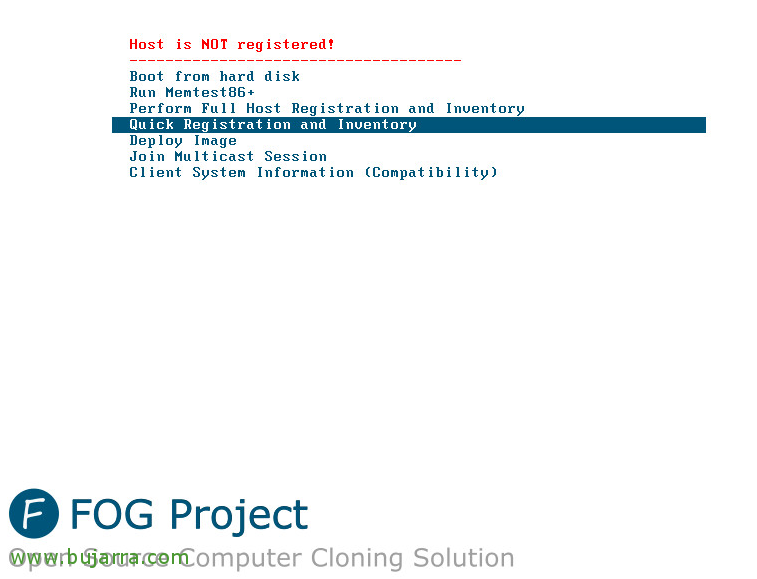
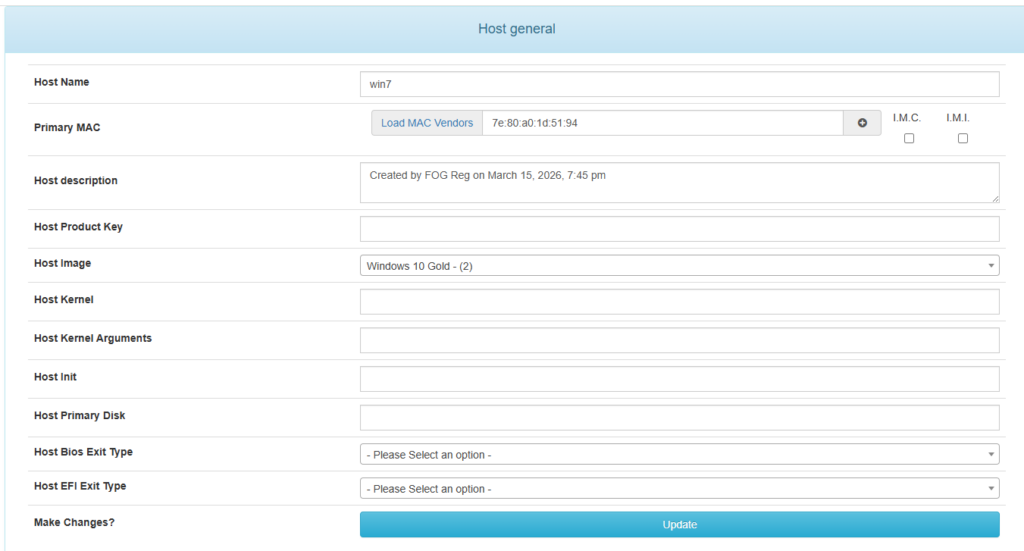
On your Reference Workstation, boot to the Network. On the Fog Window, select Quick Registration and Inventory. This will register the machine in FOG. Once done, power down straight away. We do not want to bot into Windows! (You will need to use your FOG Username and Password to authenticate to the server)
On the Fog Server, click the Hosts Button. Click List Hosts and select the host you just created.
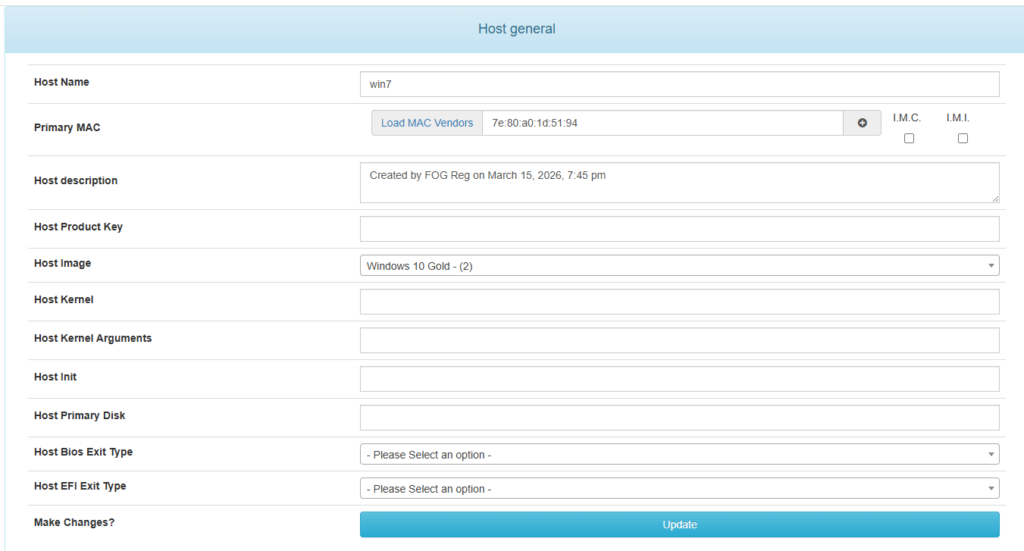
Select the Image You just created and click Update. Go back to your Host and click Tasks. Now click Capture.
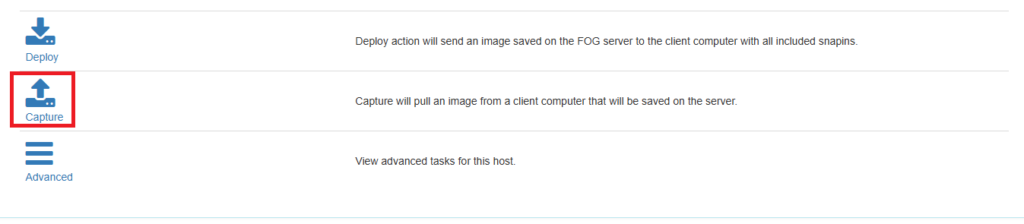
On the Task Window, leave all options as they are and click create.
Capture The OS
Now we can capture the OS to the server. Boot your Reference Workstation to the Network. After a few minutes, the capture screen should show as follows:
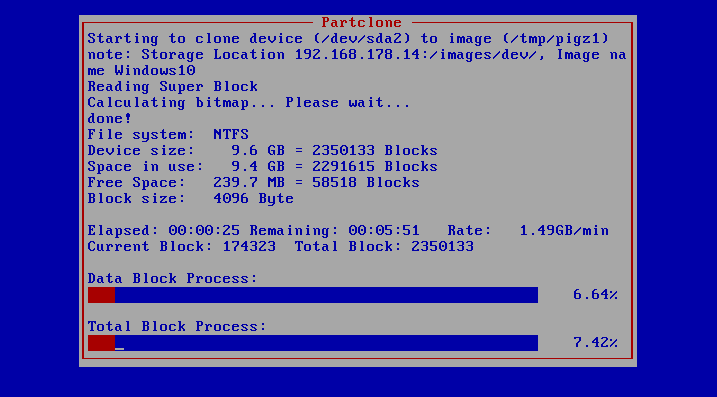
This may take some time. Afterward, the machine should reboot, so either you can keep hitting escape and boot to in Setup or shut the machine down.
By Default, this should be the custom image for installing. (Unless you have created others. So on a registered machine, boot to the network and select Deploy Image. Authenticate and then select the image you want to deploy.
Well done! You have custom images that take half the time to deploy than manually doing it, or using tools such as Microsoft Deployment Toolkit.
So we have a room at work dubbed: “The Junk Room”. It was a room where all sorts of ‘odds and sods’ were dumped and was starting to become (No had become) a Health and Safety Hazard. You could not safely open the door, as everything would fall on top of you. So with a bit of help from Andy, we tackled it last week.
The 1st stage, was to empty the room. This was not as easy as it sounds, as the room was full to the brim and we had very little space to put things. We ended up using the back lobby and outside, while still allowing access, in case of evacuation. Next was sorting the stuff out. – What we needed to keep and what could be binned. I can tell you that 90% of the contents was to be destined for the wheelie bins!
The wooden shelves, (which we needed to keep) found a new home, behind the door of the room, while the larger stuff that needed keeping, got put in the Air Handling Plant Room next door. It wasn’t until we emptied the room, that we discovered DAMP! So I went and got the god old Damp Spray and gave the walls a good spraying. Hopefully, it will dry out soon. (Now it has been treated properly.)
Henry was needed to thoroughly vacuum the floor. (I thought that the missing hose for the other Henry would be hiding in this room, but no such luck! Once the floor was cleaned, we were able to put the stuff that was left, back in the room and move what was in the lobby into the tidied room, which now just known as the “Broom Cupboard”. Of course, we managed to fill all the wheelie bins with the rubbish that we had removed.
At least we now have a tidy storage room. I just hope it stays that way!!!!
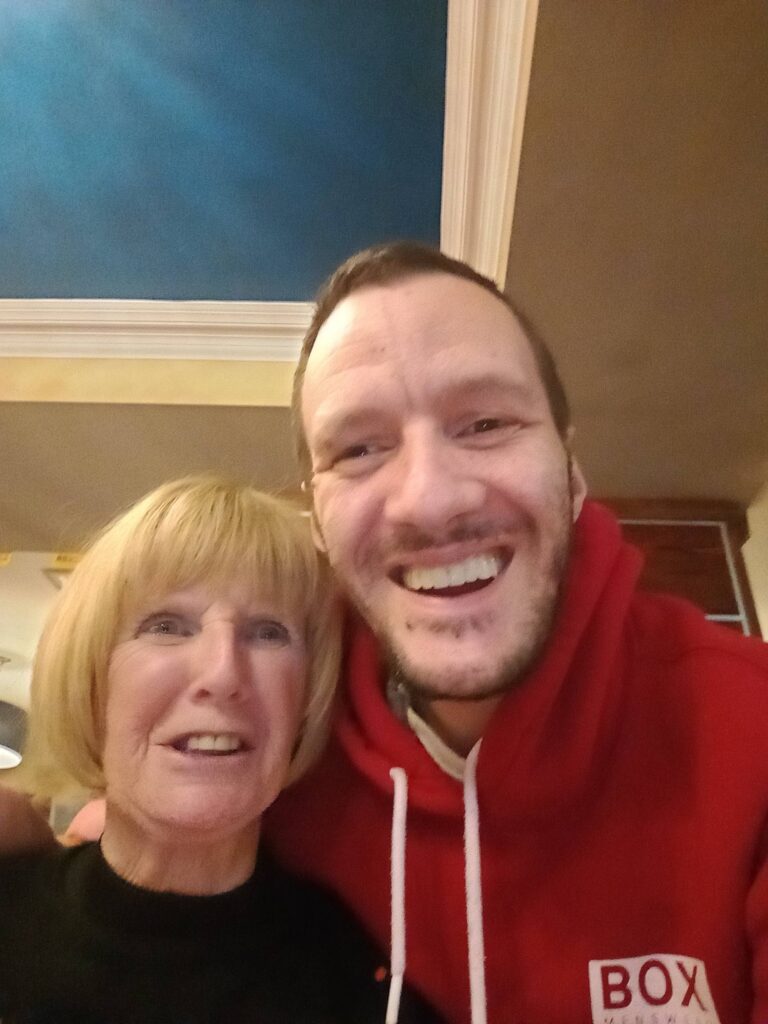
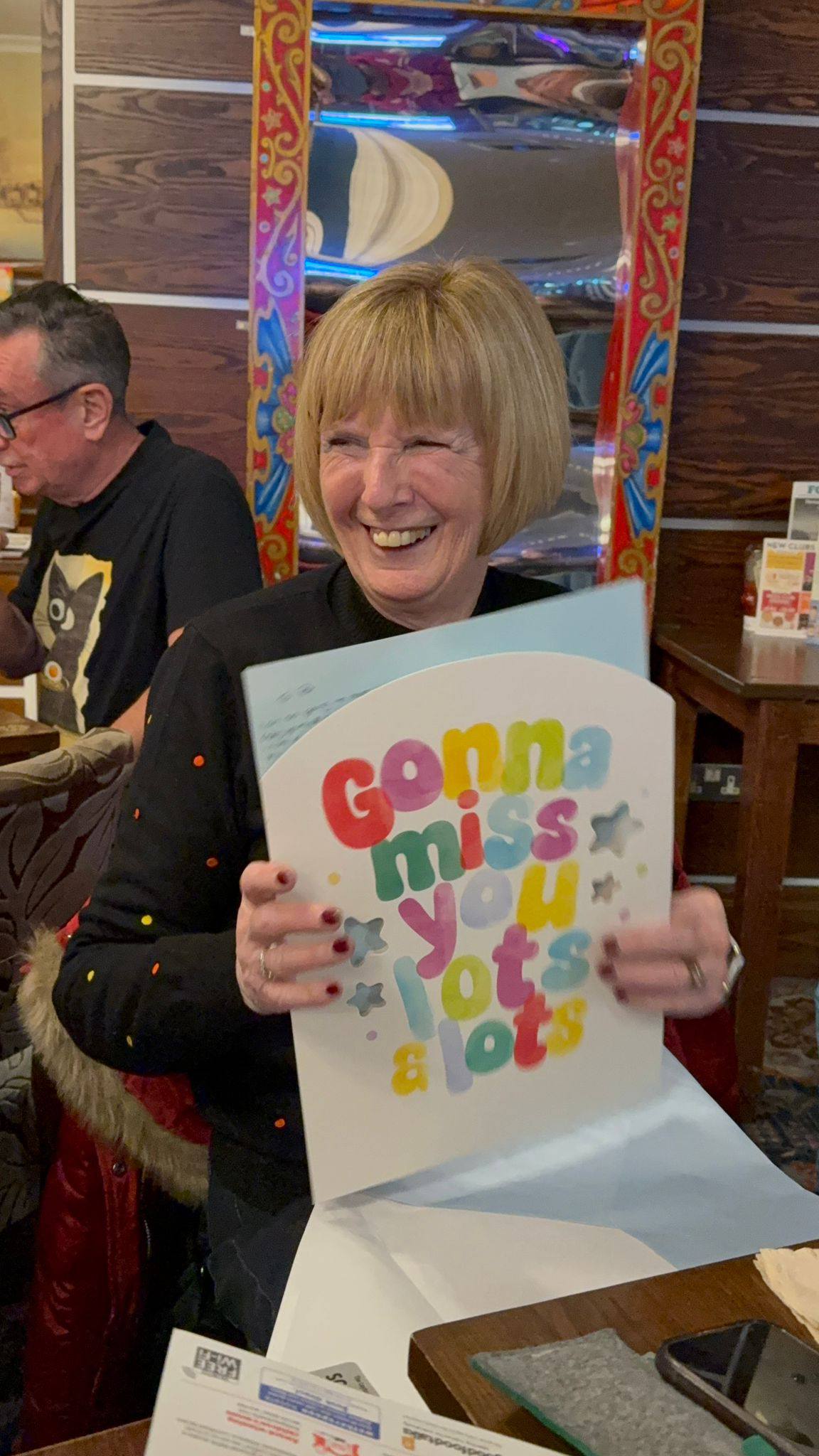
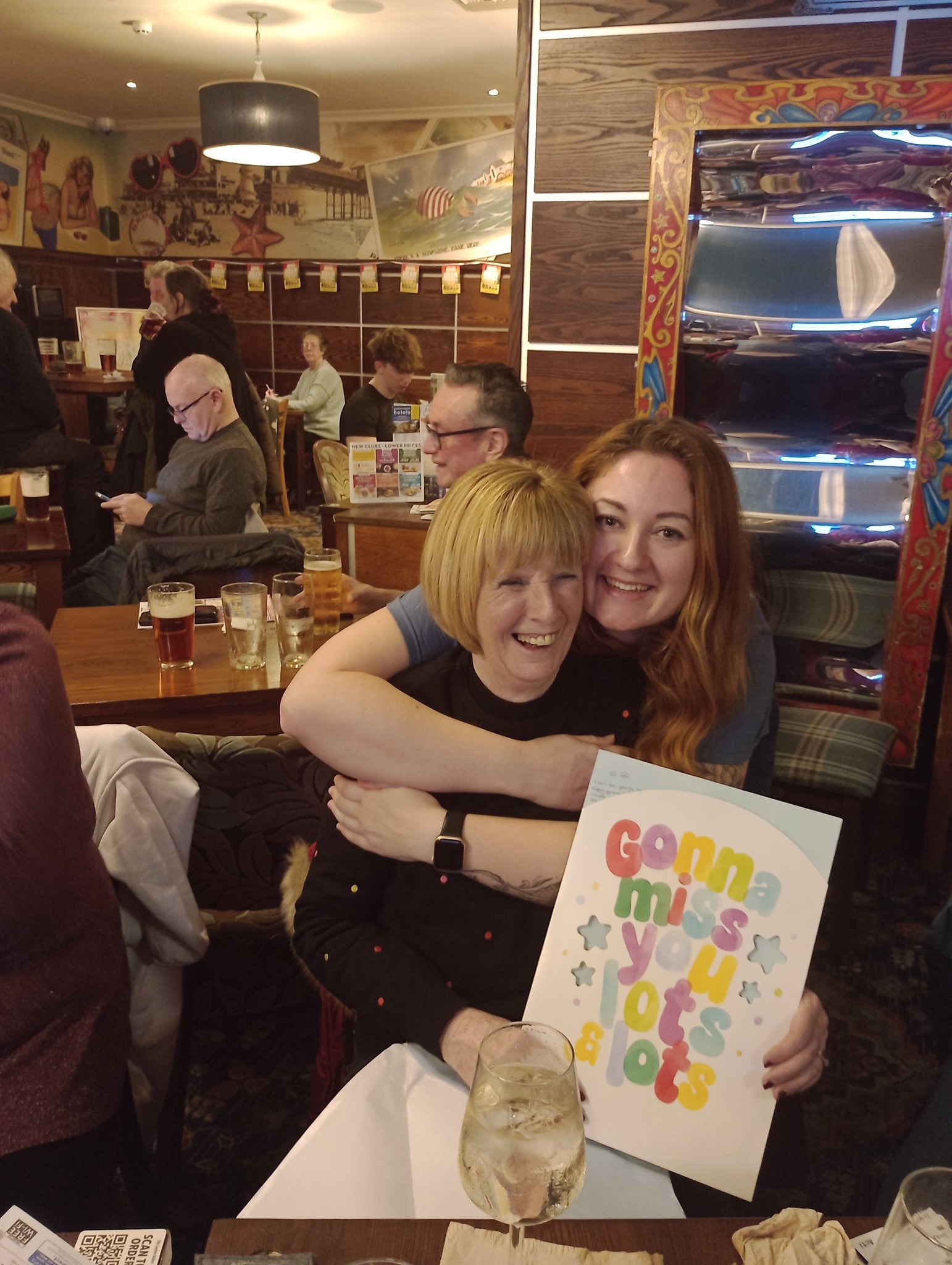
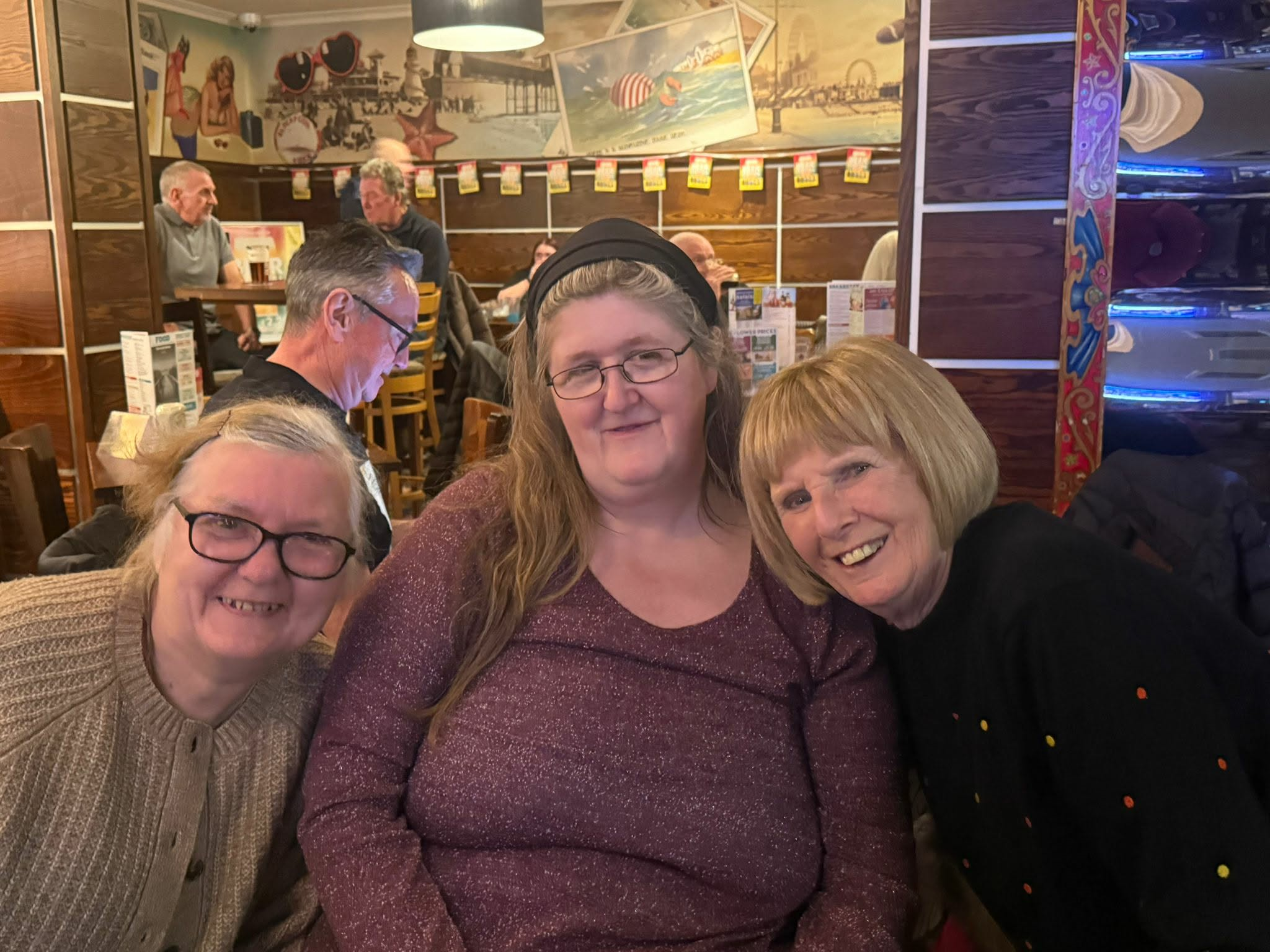
Can I embarrass this lovely lady one more time… This is Patricia, she has been the staple of the British Heart Foundation Shop in Blackpool for years and years, from the days when we were on Abingdon Street to where we are now. Well, after years and years of loyal service, Pat is finally hanging up her lanyard; to go and retire from the shop and live in lovely Surrey countryside.
I, along with the other BHF Paid staff and Volunteers, will really miss Pat. She worked her socks off in the shop, serving customers, putting stock out and sorting through our Amazon Stock. She did this all with a smile and with care, providing a friendly face for our many regulars and those on holiday. No one can ever replace Pat, as she is probably one of the hardest working volunteers I have ever had the privilege to work with.
From us all at the BHF, we wish Pat all the best in her new life in Surrey and we are sending all our love to her. Please keep in touch Pat, the shop will not be the same without you!
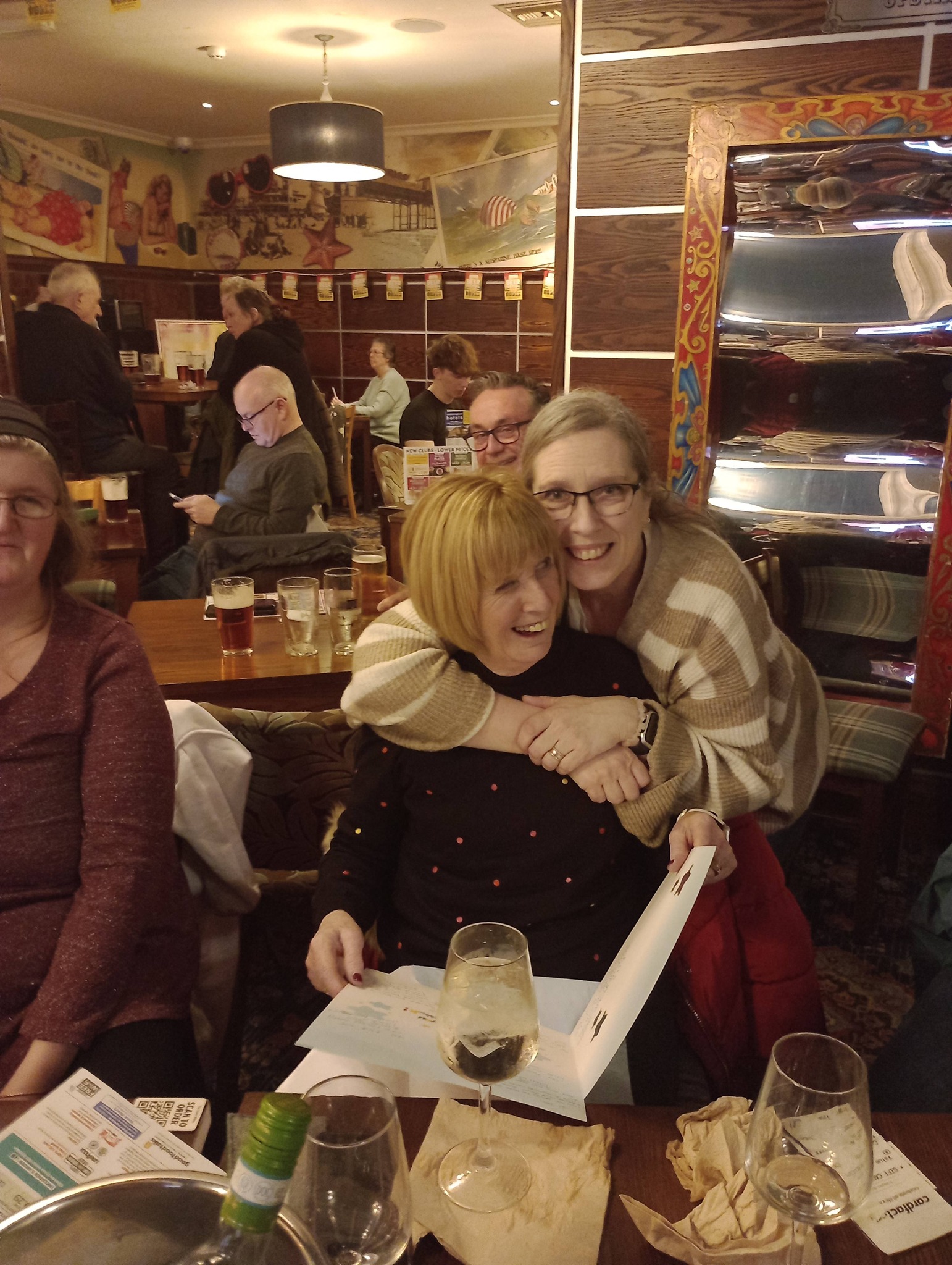
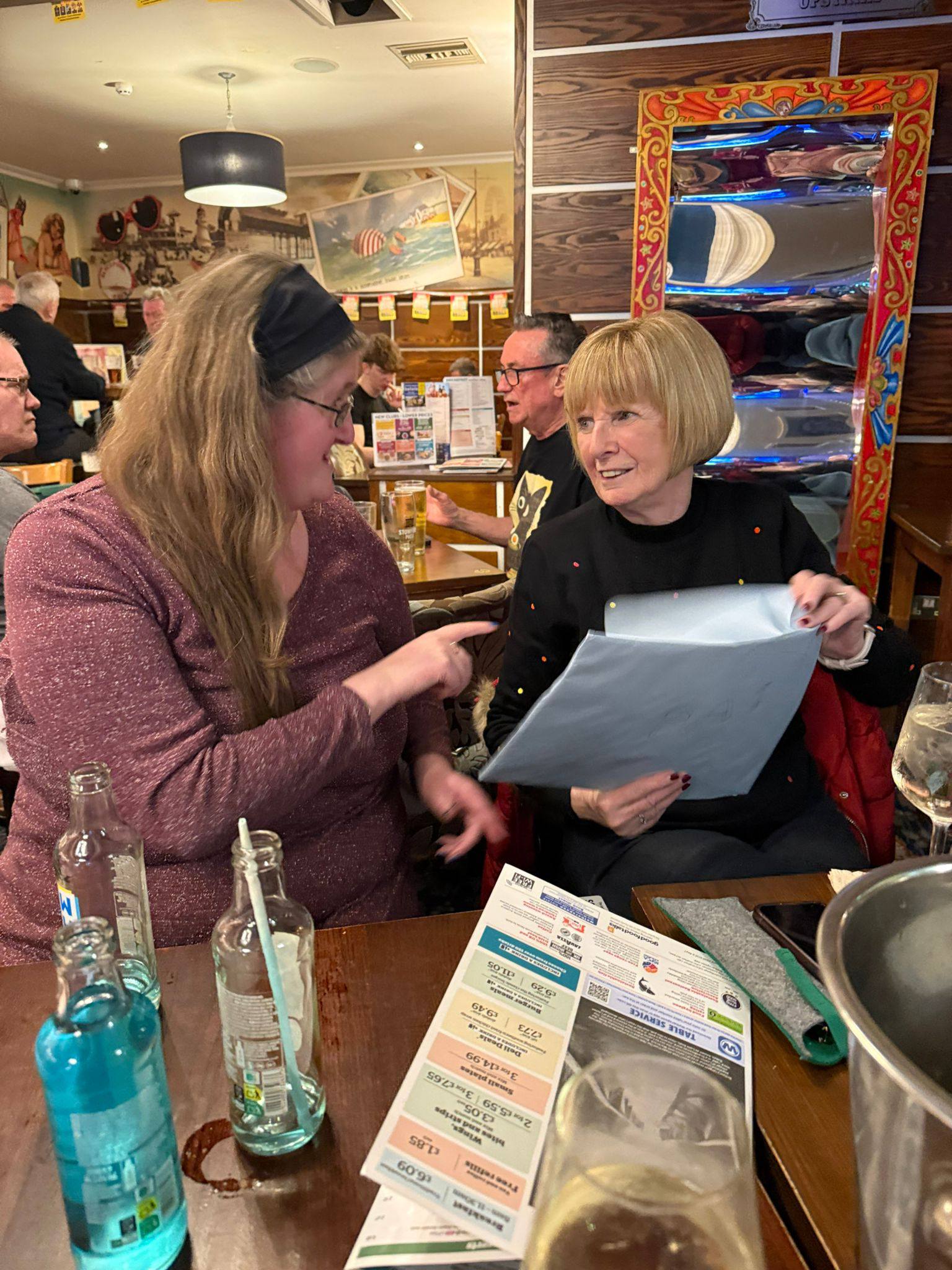
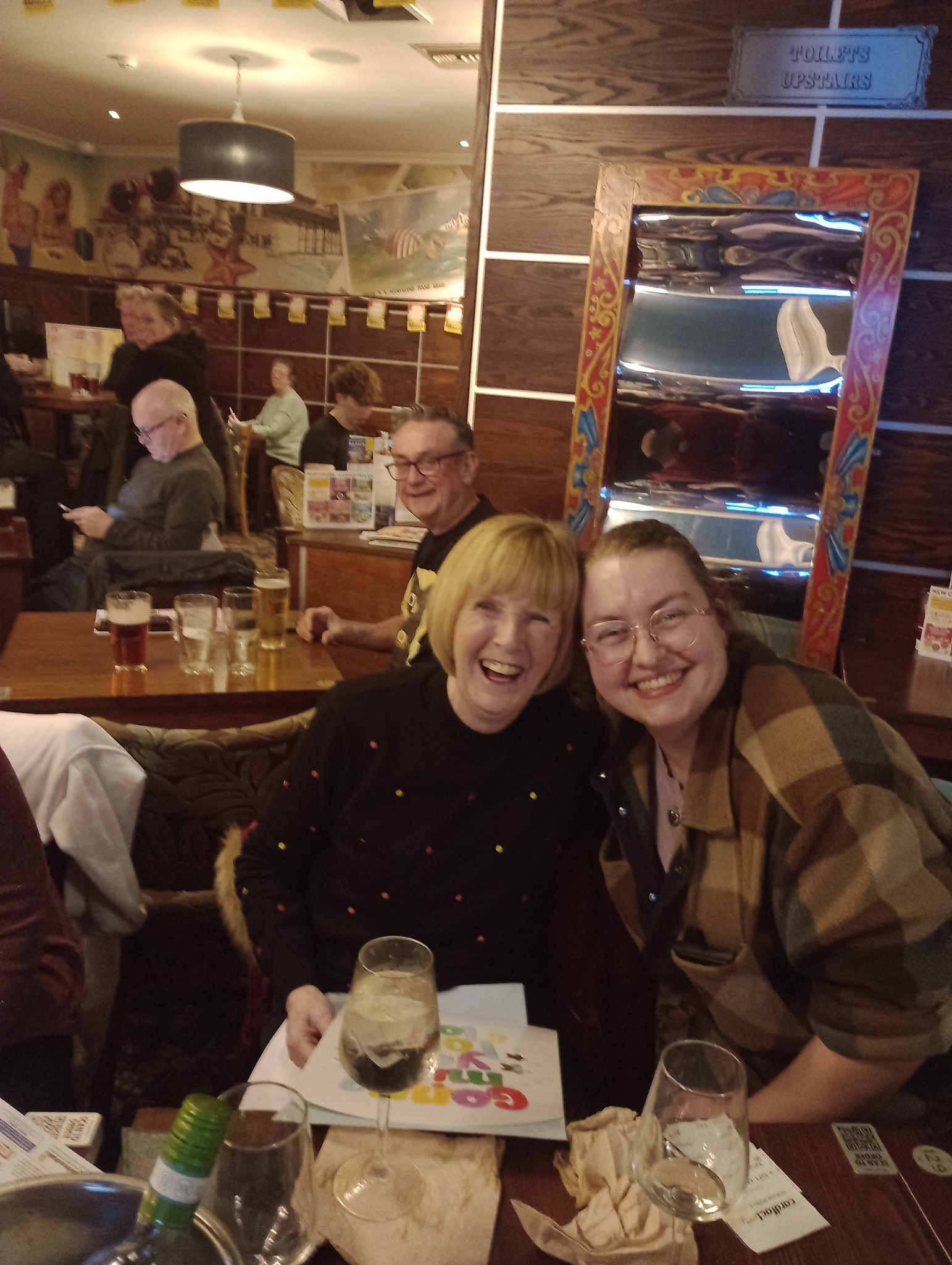
Below are a few pictures from her send-off, where we had a meal and a few drinks, plus a right barrel of laughs!

I can’t say too much at the moment, but something exciting is going on behind the scenes and I cannot wait. I will be posting more on this in the coming weeks. In the meantime, I wanted to share this pic of me working behind the till at the shop.
The Till has been doing my head in all day, as it keeps crashing. Good thing we are getting a new one in a couple of weeks. Apart from that, it has been a good day. I have been working with Lucy, Bathany, Andy and Pat all day, so it has been good fun and a lot of laughs.
Tommrow, I need to have a look at the Extractor Fan in the loo. It’s a job for the ladder and a screwdriver. I will make sure to isolate the fan first though. (It also needs a good clean as it’s full of dust!)
Today, i had to clean out a sludgy U Bend. Our kitchen sink was really smelly and using disinfectant didn’t seem to sort it. So, I decided to remove the U Bend and see what was going on. The sludge was quite thick, which proberbly means that the drain had not had a proper clean out in a while. This needed specialist equipment – a bottle brush and WD40. The WD40 helped to dissolve the grease and gunk and the bottle brush, helps to remove the gunk and grease from the sides of the U Bend. Once done I was able to re-attach the U Bend and check for leaks.
I almost missed my bus home, as I wanted to get the drain unclogged before I went home. Hopefully it won’t pong again! (Put it this way, the sludge looked like poo and was really stinky! (I can confirm it wasn’t poo though!!)
Today, the sad news came through that Cahtine O’ Hara has died. She is best known as Kate Macalister in the 1990 Blockbuster Home Alone and also in the film Beetlejuice. This is very sad news and I loved her in the film, especially the scenes in the airport in Home Alone 2. “KEVIN!!!!!”
